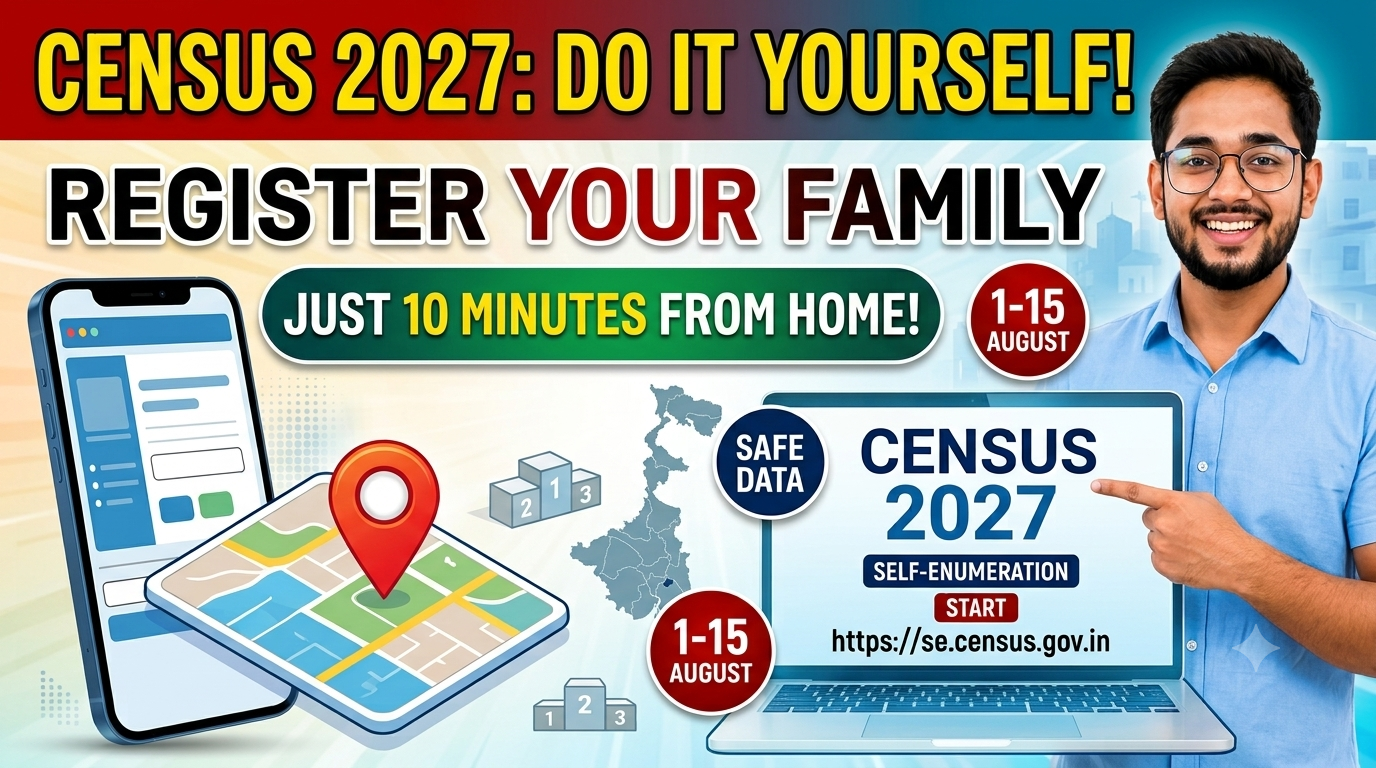
India is stepping into a historical milestone with Census 2027, marking the country’s first-ever fully digital census. For the very first time, residents of West Bengal do not have to wait at home for a census worker to record their household information manually. You can now complete the entire process yourself from the comfort of your couch using your smartphone or laptop in just 10 to 15 minutes.
Through the official self-enumeration portal, citizens across West Bengal can log in, answer basic housing and family questions, and generate a unique submission ID.
In this guide, we break down everything you need to know: important dates, a complete step-by-step application walkthrough, and the complete list of 33 questions asked on the portal.
Important Dates for West Bengal Census 2027
Mark your calendar so you don’t miss the official deadline for online registration:
| Phase / Activity | Important Dates |
| Self-Enumeration Online Window | 01 August 2026 to 15 August 2026 |
| House Listing Operations (Enumerator Visits) | 16 August 2026 to 14 September 2026 |
| Population Enumeration (Phase 2) | February 2027 |
Official Portal Link:https://se.census.gov.in
What is Self-Enumeration?
Self-Enumeration is a voluntary digital initiative by the Government of India. It allows the Head of Household to access the official portal and directly fill in their Houselisting and Housing Census details.
Why Should You Use the Self-Enumeration Portal Registration Online?
- Saves Time: Takes less than 10–15 minutes on your mobile device or desktop.
- Accuracy & Privacy: Direct data entry eliminates manual spelling errors and keeps your sensitive answers confidential.
- Quick Verification: When the enumerator visits your home later, you simply show your 11 or 12-digit SE ID, saving everyone hassle.
Step-by-Step Guide: How to Complete Self-Enumeration Online
Follow these 4 simple phases (9 step-by-step actions) to complete your Census 2027 online registration.
  [ PHASE 1: Access & Registration ]
      ├── Step 1: Visit se.census.gov.in & Enter Captcha
      └── Step 2: Register Head of Household Name & Mobile No.
            │
  [ PHASE 2: Verification & Location ]
      ├── Step 3: Select Language & Verify Mobile OTP
      ├── Step 4: Enter District, PIN Code, & Locality Details
      └── Step 5: Pin Point Your House on the Digital Map
            │
  [ PHASE 3: Data Entry & Submission ]
      ├── Step 6: Answer 29–33 Housing & Asset Questions
      ├── Step 7: Preview, Review, or Save as Draft
      └── Step 8: Click "Final Submit" & Receive Unique SE ID
            │
  [ PHASE 4: Field Verification ]
      └── Step 9: Show SE ID to Visiting Enumerator for Instant Match
Phase 1: Portal Access & Initial Registration
Step 1: Visit the Portal
Open your web browser and go to https://se.census.gov.in. Select your State/UT as West Bengal, enter the displayed Captcha code, and proceed.
Step 2: Household Primary Registration
- Enter the Name of the Head of the Household.
- Enter a active 10-digit Mobile Number and an optional Email Address.
Important Warning:
- The Head of Household’s name CANNOT be modified once submitted. Double-check spelling before clicking proceed.
- Only ONE mobile number can be registered per household.
Phase 2: Verification & Location Identification
Step 3: Select Language & OTP Verification
- Choose your preferred language for filling out the questionnaire (e.g., Bengali, English).
- Enter the One-Time Password (OTP) received on your registered mobile number.
Note: Your selected language cannot be changed later, so select the language you are most comfortable with.
Step 4: Location Details
Select your District, enter your PIN Code, and provide details about your Ward / Locality / Village / Town.
Step 5: Pinpoint House Location on Map
A digital map screen will appear. Drag the Red Marker Pin directly onto your residential building on the map and click Save & Next. This helps field workers identify your house easily.
Phase 3: Filling Information & Final Submit
Step 6: Fill the Questionnaire
Complete the simple multiple-choice and short-answer questions regarding your living conditions, family size, amenities, and assets. You can use the built-in FAQs and tooltips for help.
Step 7: Preview & Review
Use the Preview option to review every entry carefully. If you aren’t finished yet, you can Save as Draft and return to it before August 15.
Step 8: Final Submission & SE ID Generation
Once all entries are correct, click Final Submit.
- After final submission, no further edits are permitted.
- A unique Self-Enumeration ID (SE ID) (an 11 to 12-digit code, starting with ‘H’) will instantly display on your screen and be sent via SMS. Save or screenshot this ID!
Phase 4: Field Verification
Step 9: Show SE ID to Enumerator
During the field verification phase (16 August to 14 September 2026), a local Census Enumerator will visit your house.
- Simply present your SE ID.
- The enumerator will match the SE ID on their tablet device. If matched, your response is validated, and no further questions will be asked!
Full List of 33 Questions Asked in Digital Census 2027
To make your registration faster, keep the answers to these 33 questions ready before logging into the portal:
- Building/House Number
- Census House Number
- Predominant Floor Material (e.g., Mud, Concrete, Tile)
- Predominant Wall Material
- Predominant Roof Material
- Current Condition of Building (Good, Living, Dilapidated)
- Purpose of House Usage (Residential, Shop, Office, etc.)
- Total Number of Family Members
- Total Number of Households residing
- Name of the Head of Household
- Gender of the Head of Household
- Caste Status of Household Head (SC, ST, or Others)
- Ownership Status of Residence (Owned, Rented)
- Number of Living Rooms
- Number of Married Couples in Household
- Main Source of Drinking Water
- Availability of Drinking Water Source (Within premises, near premises)
- Main Source of Lighting/Electricity
- Latrine/Toilet Facility Availability
- Type of Latrine Facility
- Bathing Facility Availability
- Waste Water / Drainage System Connection
- Kitchen Facility Availability
- LPG or PNG Connection Status
- Main Fuel Used for Cooking (LPG, Firewood, Electric)
- Radio / Transistor Ownership
- Television Ownership
- Laptop / Computer Ownership
- Internet Connectivity Status
- Telephone / Smartphone Ownership
- Bicycle / Scooter / Motorcycle / Moped Ownership
- Car / Jeep / Van Ownership
- Main Staple Food Grain Consumed by Household
Documents Required for Census 2027 Self-Enumeration
One of the best parts of Census 2027 is its hassle-free process:
- Identity Documents (Aadhaar / Voter ID): NOT Mandatory. You do not need to upload scan copies or enter document numbers.
- Mobile Number: Required for OTP login and receiving your SE ID via SMS.
- Basic Household Information: Details on house structure, fuel used, assets, and family size.
No, it is voluntary. If you choose not to do it online, a government enumerator will visit your house in person between August 16 and September 14 to collect your information manually.
Once you click Final Submit, you cannot edit your details on the portal. However, you can inform the Census Enumerator when they visit your house, and they will update or correct the records on their official tablet device.
No. Only one mobile number can be linked to one household registration.
If you have your household details ready, the entire process takes just 10 to 15 minutes.
Summary Checklist Before You Apply
- [x] Active Mobile Phone for OTP
- [x] Correct Name of Head of Household
- [x] Accurate Postal Address and PIN Code
- [x] Stable Internet Connection
Complete your Census 2027 Self-Enumeration before 15 August 2026 at se.census.gov.in to participate in India’s first digital census!